
UX Design
Splunk Cloud Monitoring Console UX & UI Revamp
I led and managed a project to correct 143 experience and interface issues in a SaaS application, fixing 72 issues within 90 days. See the Content Reconstruction Examples presentation for an overview of this work.
Inkling Zendesk Help Center Redesign
The following project summary shows the redesign of a Zendesk Help Center landing page.
Project
Redesign Inkling’s Zendesk Help Center for the customer training and support teams and also streamline the site’s content and content architecture.
Goal
Redesign the landing page (LP) in stages to accommodate new initiatives and product launches occurring August through October of 2017.
Scope
- Redesign the LP to current market standards and include company branding.
- Revamp the content architecture to show only the actively-marketed products.
- Archive the content of a deprecated product with a declining user base.
- Ensure all customers can obtain help for their particular product.
- Create multiple LP templates to accommodate the dynamic release schedule of the upcoming months.
- Train all support staff on administering the two new LP templates.
Challenges
Ensure that customers clearly understand how to navigate the help and submit a ticket, that the template design accommodates various content categories, and that administrators can maintain the LP templates.
Role
Perform research, writing, testing, and project management tasks.
Results
- Administrators can more easily update and maintain the Help Center.
- Administrators used the correct LP at the appropriate time.
- Customers have a better user experience and can quickly find help for Inkling products and service questions, or email support for additional assistance.


UI Copy
For my approach to writing UI copy, see the Style Guides section, particularly the UI Copy Writing Guidelines page.
Inkling Modules UI Copy
The following project summary shows the revision of the UI copy for the Inkling module administration interface.
Project
Revise the UI copy for the Inkling module administration interface.
Goal
Improve the UI copy to enhance the user experience.
Scope
Rewrite all UI copy for installing and uninstalling modules, such as button labels, instructional text, and error messages.
Challenges
- Balance the needs of all stakeholders and gain their approval.
- Complete the project within a tight timeline.
- Work within the limitations of the existing design.
Role
Perform research, writing, testing, and project management tasks.
Results
Improved UI copy greatly aided users in performing module administration tasks.


Original interface: To install and uninstall a module, users clicked the Configure Versions button. However, users found this button text confusing and unintuitive. 
Users stated that the UI copy was verbose, distracting, and not helpful. 
Because the same interface supported installing and uninstalling modules, users stated that it was confusing. 
Revised interface: Clear checkboxes indicate the module isn’t installed in the projects, and Install and Uninstall buttons are in the deactivated state. 
Revised install flow: View of the window when a user installs the module into two projects, indicated by the blue check marks. The Install button is now in the active state. 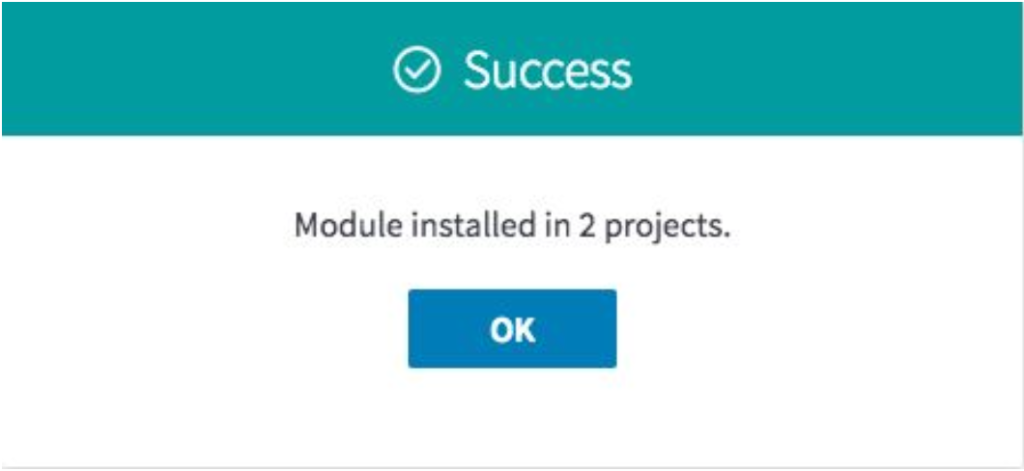
Confirmation message that displays after a successful install. 
Revised uninstall flow: Gray checkboxes indicate the module is installed in these projects and Install and Uninstall buttons are in the deactivated state. 
When user selects a gray check mark, it changes to a red X mark to indicate the module will be uninstalled from the selected project. The Uninstall button is now in the active state. 
Warning message that displays before performing the uninstall. 
Confirmation message that displays after a successful uninstall.
Inkling Welcome Email Copy
The following project summary shows the revision of email copy sent to new users of Inkling authoring and reading applications.
Project
Write email copy for new users of Inkling authoring and reading applications.
Goal
Provide clear, concise, and engaging copy for new users.
Scope
Write several versions of an automatically-generated welcome email.
Challenges
- Balance the needs of all stakeholders and gain their approval.
- Complete the project within a tight timeline.
Role
Perform research, writing, testing, and project management tasks.
Results
Created four versions of the Welcome to Inkling Habitat email copy.

This version was sent to users of Inkling Habitat who have credentials. 
This version was sent to users of Inkling Habitat who must request a password from their administrator. 
This version includes copy for users of Inkling Axis web and mobile applications. 
This version includes copy for users restricted to the Inkling Axis mobile applications.